
Customized professional training
AI training for communications professionals
Produce more relevant content, adapt it to all formats and tailor your messages to each audience.
Starting from €1,300 excluding VAT per half-day · Written proposal within 24 working hours, without obligation.
The training in brief
Everything you need to make a decision, in nine lines. The objectives, process, and use cases are below.
- What it is
- A customized training in generative AI For communicators: a maximum of twelve participants, each at their own computer, working on their own speeches. No lecture, no demonstration: 70% practice.
- What we work on there
- Your content and campaigns : orchestration of an internal campaign, drafting of a press release from a brief, adaptation of a message to all formats, respect for key messages and validated language elements.
- For who
- The teams Internal and external communication, press relations and employer brandingAll levels, including employees who have never opened the tool.
- Duration and rhythm
- 1 hour 30 minutes or half a dayAvailable in one go or in waves of sessions to cover the entire team. Also available as a webinar.
- Where and in what language
- At your premises anywhere in France, or remotely. French or English.
- Price
- €1,300 to €1,800 excluding VAT Half-day sessions for up to twelve participants, with a sliding scale of prices when sessions are repeated. See our price benchmarks.
- On which tool
- Yours: Copilot, ChatGPT, Claude, Gemini, Mistral or your secure internal assistant. We train within your tenant, without third-party tools.
- Funding
- Eligible for OPCO and ESF+ funding. NextStart is a registered training organization (No. 11756140675): the session is part of your skills development plan, with the agreements and documents expected by your funder.
- Lead time
- Written proposal within 24 business hours, without obligation, after a 30-minute framing exchange.
Why train communicators in generative AI?
Communication teams must produce and adapt more content while protecting the organization's voice, the reliability of information, and associated rights.
Content that can be adapted for multiple channels
The same message must be adapted to the format, the audience, the tone, and the time of broadcast.
Editorial consistency that is difficult to maintain
The proliferation of productions can dilute the brand voice and create contradictory formulations.
Information to be verified before publication
The figures, quotes, sources and visuals generated must be subject to systematic control.
Legal and reputational risks
Copyright, image, confidentiality and transparency impose clear rules for production and validation.
How we prepare the session with your communications contact person
The content, examples and tools are prepared with your subject matter expert before the session.
Feasibility study
Gathering of needs, participant level, constraints and priority use cases.
Customization
Adaptation of the schedule, demonstrations and exercises, then validation with your organization.
Training
Participatory facilitation, guided practical application and distribution of educational materials.
How generative AI is transforming communication
AI allows for faster production, adaptation, and dissemination of messages. It becomes truly useful when it respects the editorial guidelines, context, target audiences, and validation rules of the organization.
Adapt messages to the audience
AI can reformulate the same information for different recipients, levels of detail, and channels while retaining the original intent.
Accelerate localization and variations
Translations, short versions, social formats or internal materials can be prepared more quickly from a reference content.
Orchestrating internal and external campaigns
Messages, sequences, FAQs and materials can be coordinated around a more structured communication plan.
Preserve consistency and reputation
Content must remain aligned with the brand, available facts, legal rules, and undergo human validation before publication.
The program, hour by hour
A balance designed to understand, practice and then secure uses in the work environment.
Schedule for the half-day (3 hours 30 minutes)
- 0:00 to 0:20 Fundamentals of generative AI and getting to grips with the chosen tool, memory and personalized instructions, modes of reasoning and in-depth research.
- 0:20 to 0:40 : structure of a draft from a communication brief, setting the tone, angle and format, method of verifying sources and quotes.
- 0:40 to 2:40 : Prompts and Agents workshop on your situations, for example writing a press release from a brief, adapting an internal announcement into short formats, building a FAQ and talking points.
- 2:40 to 3:10 : construction of an assistant guardian of the editorial line (tone charter, validated messages, standard formats), then test on a real speech and collective correction.
- 3:10 to 3:30 : bias and limitations of models, confidentiality of ads under embargo, GDPR, Article 4 of the AI Act, copyright and image rights, drafting your rules of use.
The 1 hour 30 minute format follows the same tight structure: 20 minutes of fundamentals, 55 minutes of workshop on two chosen cases, 15 minutes of usage framework.
Communication situations that we can work on
The exercises are selected according to your priorities. The groupings below retain the details of the situations that can be worked on.
Editorial strategy
- Defining an editorial line
- Create a publication schedule
- Identify the angles that are appropriate for each audience
- Formalize rules of tone and style
Content
- Write an article, a newsletter or a press release
- Create social media posts
- Prepare a speech or presentation
- Improving an existing text
Variations
- Converting an article into multiple formats
- Adapting a message to different channels
- Create a FAQ from a document
- Summarize a long piece of information into key messages
Multimedia
- Prepare a visual brief
- Create a video storyboard
- Generate illustration concepts
- Write the scripts and voiceovers
Internal communication
- Write an internal memo
- Preparing the communication of a change
- Adapting a message to multiple professions
- Analyze possible reactions and questions
International and crisis
- Translate and localize content
- Prepare talking points
- Anticipating sensitive issues
- Develop a crisis communication plan
Concrete examples of use cases for communicators
Operational resources to extend training on the production and orchestration of communications.
Write an internal or client newsletter →
Select and prioritize topics, with objectives and calls to action.
Develop a communication plan →
Objectives, targets, messages, channels, calendar and indicators all on one page.
Preparing a speech in front of colleagues →
Prepare the message, the timed oral version, and the answers to difficult questions.
Orchestrating an internal communication campaign →
Structuring messages, sequences, materials and timelines around a change.
Writing a press release from a brief →
Produce a broadcastable text with an angle, quotes and factual elements.
Keeper of key messages and talking points →
Verify that a speech remains aligned with the validated messages.
Media monitoring and impact →
Follow the organization's announcements and report anything that warrants a response.
Maintain the editorial calendar →
Remind everyone of the content to be produced, the deadlines, and the gaps in the schedule.
Translating and localizing a communication →
Adapting a message to a language, context, and audience without losing its intent.
Managing crisis communication from start to finish →
Produce the position line, its variations by audience, the FAQ and the timeline.
Produce the communication kit for a transformation project →
Messages by population, sequence aligned with milestones and manager kit.
Conducting a crisis exercise and lessons learned →
Write the script and role sheets, then the feedback and action plan.
Announcing an organizational change to the teams →
Prepare the main message, its variations and the order of announcements.
Proofreader of professional communications →
Check clarity, tone, consistency and accessibility before broadcasting.
Locate a multilingual document pack →
Adapt multiple deliverables while maintaining glossary, tone and consistency.
See the 9 library communication fact sheets →
Across all professions: 113 AI prompts per profession, 55 missions Claude Cowork et 69 AI agents and assistants.
The communicator's AI toolkit: 27 use cases and their prompts
To get started before the training, or to help your communications teams continue to develop independently afterward: 27 everyday use cases, from tone guidelines to responding to deepfakes, with ready-to-copy prompts, categorized into three levels for step-by-step skills development. Written based on Article 50 of the European AI Regulation, the Commission's Code of Practice, the ARPP's practical guide, and our workshops with communications teams from major organizations.
- Level 1, getting started: tone guidelines, rewriting, adaptations in five formats, internal memo, key messages, visual brief
- Level 2, structuring: editorial plan and calendar, article based on an interview, change management communication, speech, press kit, crisis
- Level 3, systematize: editorial line assistant, newsletter chain, adaptation matrix, media monitoring, transparency register
- Communicating in the age of AI: what assistants say about you, internal AI deployment, responding to deep manipulation
- Excel spreadsheet: editorial calendar, Q&A, log of generated content, crisis plan, presence in AI
Receive the kit
The download link will be sent to you by email.
Your data does not leave your environment
Embargoed announcements, unpublished brand elements, sensitive communication plans: your content does not leave your environment.
The exercises are based on your real-world situations, never on your actual data. We develop the practical cases with your business expert using anonymized or reconstructed examples, and we work within the environment approved by your IT department: Copilot Chat, Copilot M365, ChatGPT (Enterprise or Azure OpenAI), Gemini, Claude, Mistral, or a locally installed open-source solution for the most sensitive data. No documents, files, or personally identifiable information are transmitted to a public model during the session. The final part of the training is dedicated to GDPR, the AI Act, and the development of your internal usage rules, ensuring that each participant leaves with a clear understanding of what they can and cannot submit to an AI tool.
 Copilot M365
 Claude
 ChatGPT
 Gemini
 Vibe
VibeReferences and feedback
Some examples of interventions and feedback from NextStart.AI training courses.
 Airbus470 participantsAirbus595 participants
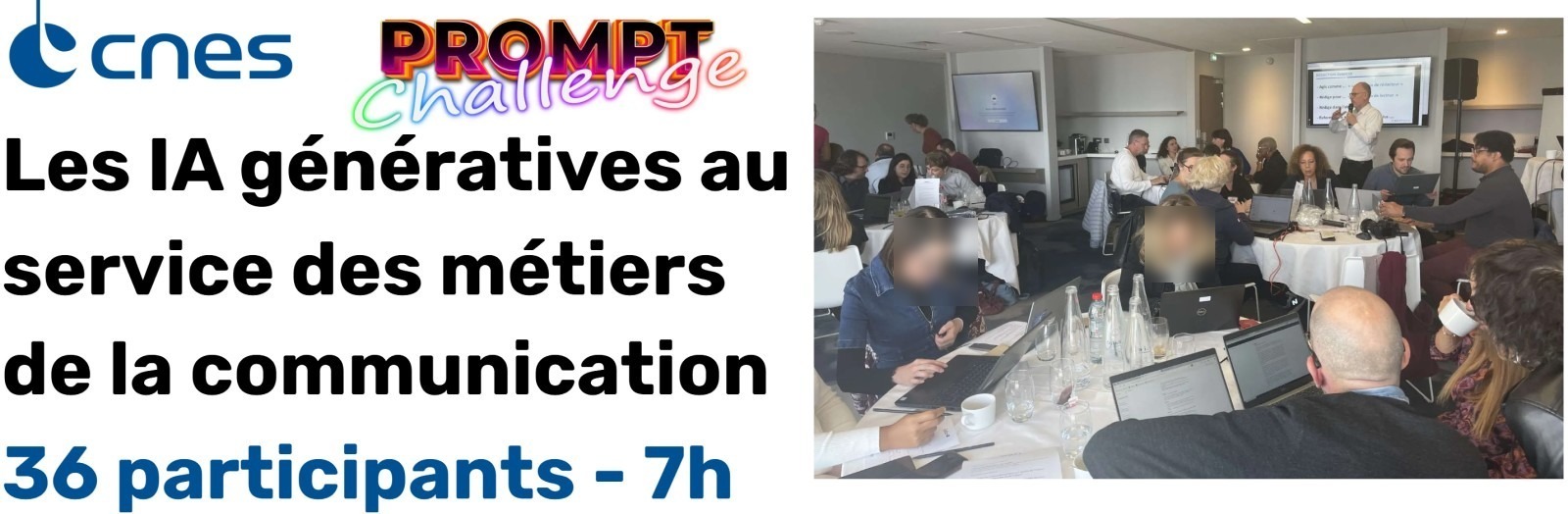
 CNES673 participants
 Alptis450 participants
 Agirc-Arrco650+ participants
 Bristol Myers Squibb237 participants
 Ceva Animal Health209 participants
 SATT network173 participants
 Cerema145 participants
 Engie11 participants
 AÉSIO mutual21 participants
 Crédit Mutuel13 participants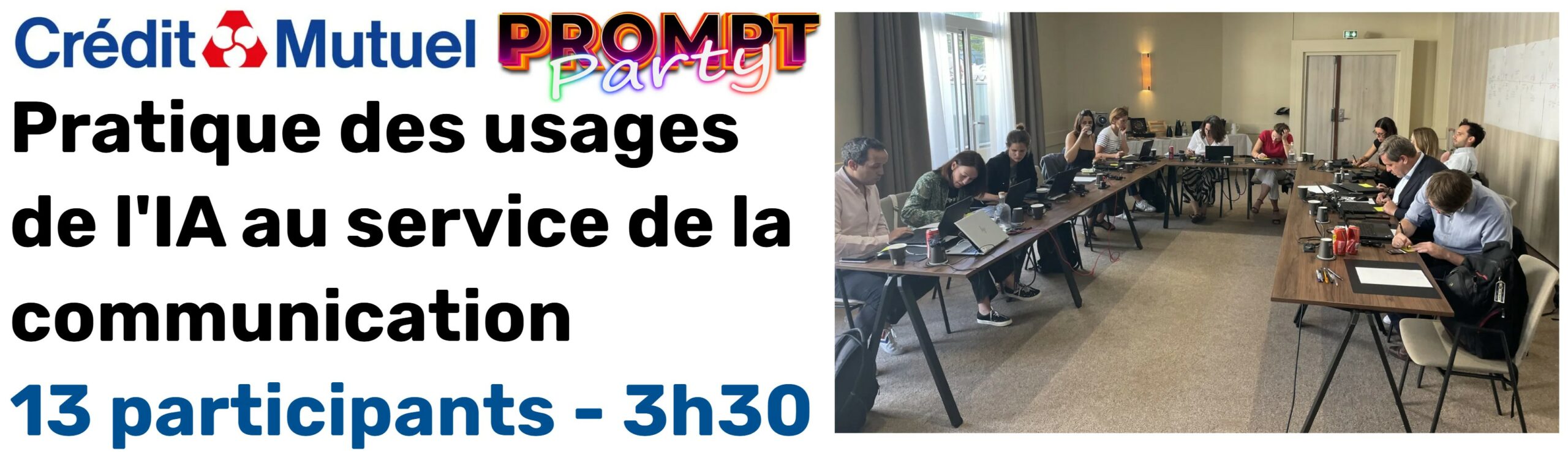
Crédit Mutuel · Corporate Communications Team Seminar
Prompt Party® 3 hours 30 minutes for 13 participants
"Excellent, very good / Use cases / Concrete examples / Very good, in line with the need / Very practical and dynamic training / Instructor's teaching style / Good pace / Practical exercises / Pedagogical, concrete and practical / Good presentation, clear and precise, with good examples and practical cases / Diverse practical application / Discovery of features / Enriching / Fun / Very, very clear! / Very well illustrated / Useful practices adapted to our uses / Great trainer! / Accessible to a wide audience"
Customer reference
Professional training in generative AI
"Very happy, nothing but very positive feedback right away! It was really the right format, somewhere between a masterclass and a challenge. It generated a lot of interest and gave us a leg up without throwing us into the deep end!"
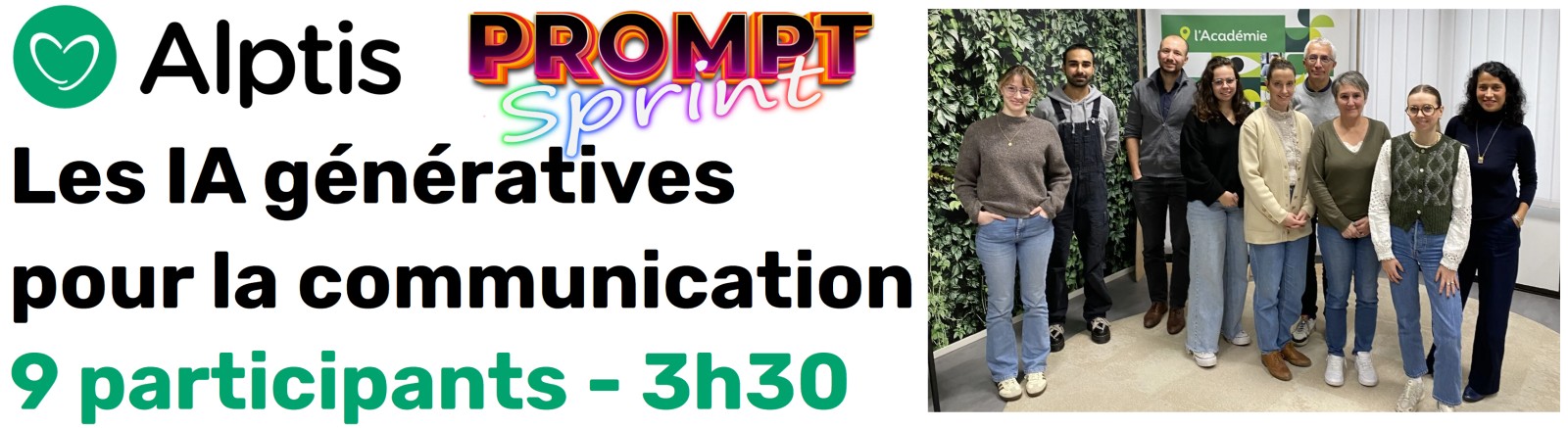
Customer reference
Professional training in generative AI
"A great introduction to Copilot, well-documented with practical examples, comprehensive training / Allows us to optimize our time, understand the tool's limitations, and learn about Copilot's functions / Concise, clear, interesting use cases, good teaching methods, dynamic instructor"
Frequently asked questions about AI training for communicators
Answers to key questions about level, tools, personalization, and modalities.
Do you need to already know how to use ChatGPT or Copilot?
No. The content is adapted to the level of the participants, from discovery to more advanced methods.
Can the training use our internal tool?
Yes. The session can use the tool approved by your IT department, including Copilot, ChatGPT (Enterprise or Azure OpenAI), Gemini, Claude, Mistral or a local solution.
Can we work on our own use cases?
Yes. Priority situations are selected with your contact person, then transformed into suitable and safe exercises.
What is the difference between the 1 hour 30 minute format and the half-day format?
The shorter format focuses on familiarization and a few demonstrations. The half-day format allows for more hands-on practice with your specific use cases.
Can the training be funded?
Our training courses are eligible for OPCO and ESF+ funding.
Can we guide AI with our editorial tone?
Yes. The charter, examples and specific criteria help to better guide productions, which remain subject to human validation.
Does the training cover AI-generated images?
Yes, depending on your needs. It can cover uses, limitations, rights, verification, and publishing rules.
How much does the training cost?
The price depends on the chosen format, the number of participants, and the number of sessions. We will send you a quote within 24 business hours of our initial discussion. Price ranges for standard formats can be found on the Corporate AI Training page.
How soon can a session be organized?
Allow one to two weeks between your agreement and the session, the time needed to coordinate with your communication contact, personalize the exercises and validate the schedule.
What deliverables do the participants receive?
A booklet of about fifty pages, the prompts and agents built during the workshop on your own cases, and the rules of use written collectively at the end of the session.
Let's build your customized communication training program
Describe your situation in a few lines. We will get back to you within 24 business hours.
Do you prefer to call or write? +33 1 89 16 48 05 or hello@nextstart.aiYour contact details are only used to reply to you.
NextStart is a training organization registered under number 11756140675. This registration does not constitute state approval.